

Hey Friends 👋 Happy Friday
Here’s a tutorial to get you started on Claude Code journey.
How much of your day is lost to digital paper-shuffling? Switching between Asana, Slack, and Google Drive, manually compiling reports, and copy-pasting updates. This isn’t high-value work; it’s context-switching that kills your focus and drains your energy.
What if you had a single command centre? An AI assistant that lives in your operating environment, connected to all your tools, ready to pull information and execute tasks for you.
Here’s how to build it in under 10 minutes by installing Claude Code on your Mac.
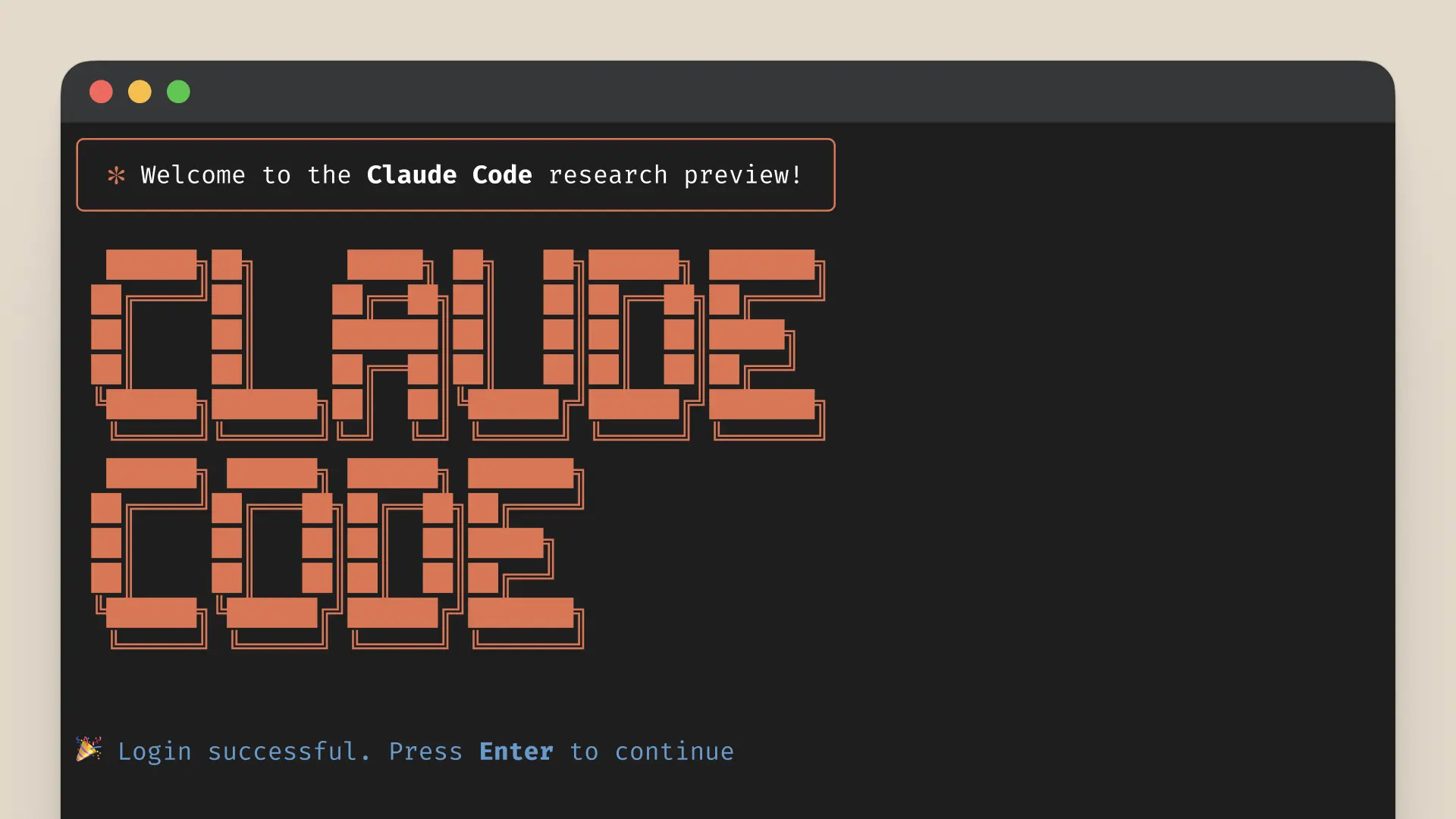
The Claude Code terminal showing a successful login with ASCII art logo
Why Claude Code (Not ChatGPT)
ChatGPT is a powerful brainstorming partner, but it’s a closed box. It can’t access your project boards, read your documents, or check your team’s Slack channels. You are its hands and eyes, feeding it information manually.
Claude Code is different. It connects directly to your operating environment—the ecosystem of tools where your work actually happens.

Claude Code doesn’t need you to copy-paste. It securely connects to your tools to pull data and automate tasks, turning your computer into a true AI-powered command centre.
What You’ll Build
You are installing the foundational layer for your AI command centre. This guide gets the tool onto your Mac and ready to be connected to your operating environment. It’s the first step toward automating reports, summarising projects, and delegating your most repetitive tasks to an AI assistant.
•Time to install: 10 minutes
•Potential time saved: 5+ hours a week, once you build your workflows.
Step 1: Install Your Command Centre (5 minutes)
This step installs Claude Code using your Mac’s Terminal—a simple, text-based way to give your computer instructions. We recommend using Homebrew, a trusted package manager for Mac.
What you need:
•A Mac with macOS 10.15 or newer
•A Claude.ai account
To install via Homebrew:
1.Open the Terminal app (you can find it using Spotlight search).
2.Copy and paste the following command, then press Enter:
brew install --cask claude-code
Step 2: Connect to Your AI Assistant (3 minutes)
Now, you’ll log in to give your new command centre its brain.
1.In the same Terminal window, type claude and press Enter:
claude
2.A prompt will appear to log you into your Claude.ai account. Follow the on-screen instructions.
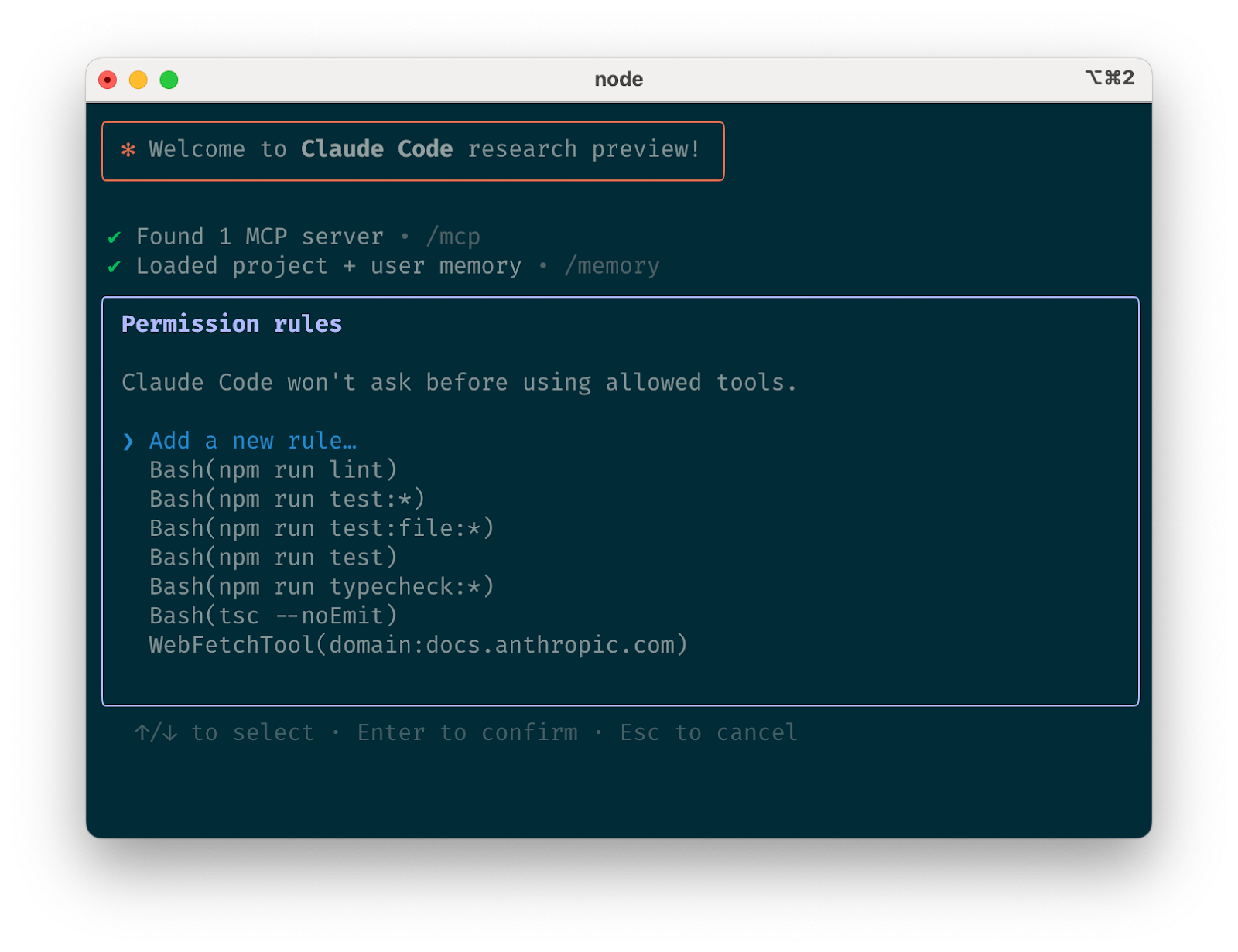
After successful login, you'll see the Claude Code welcome screen with permission rules. This is where you configure which tools Claude Code can use.
Step 3: Test Your Connection (2 minutes)
Let’s confirm your command centre is online and ready for instructions.
1.Run the built-in help command:
/help
2.You should see a welcome message and a list of available commands. This confirms your AI assistant is ready to go.
What You’ve Accomplished
You’ve installed the Claude Code command centre on your Mac. You haven’t connected it to your tools yet, but you’ve laid the essential foundation. You’ve moved beyond simply chatting with a web-based AI and now have a powerful tool ready to be integrated into your operating environment.
Before:
•Manually checking Asana, Slack, and Drive for updates.
•Spending hours compiling weekly reports.
•Your time: Consumed by low-value, repetitive tasks.
After (Your New Potential):
•The ability to build workflows that summarise project status with a single command.
•The foundation to create automated report drafts.
•Your time: Can be freed up for high-impact strategic work once you build these connections.
What to Build Next
Your new command centre is ready. Now you can teach it workflows like:
•"Summarise all completed tasks in the ‘Q4 Launch’ project this week.”
•"Draft a project update based on the latest in the #project-alpha channel.”
•"Find the latest version of the ‘Go-to-Market’ strategy doc and summarise it for me.”
Get Started
Welcome to the new paradigm. AI Ops isn’t about replacing what you do, it’s about amplifying what you already know. Your context management skills, your process knowledge, your understanding of how work actually flows, these are the foundations that matter now.
Join a growing community of Project Managers, Operators, and Founders who are building the future of work. I’ll be sharing selective insights and tutorials on how to use Claude Code and other tools for project managers and managers who aspire to be AI Operators. This is where you’ll find tutorials on AI Ops, delivered to operators who understand that context management beats code.
Andres